How to use Batch Video Mute
Batch Video Mute
Take the audio tracks out of a batch of videos and export verified silent MOV copies without re-encoding the video.
Bought Batch Video Mute? Sign in with the email you bought it with to download the latest version or ask me a question.
On this page
Install
Batch Video Mute requires macOS 15 Sequoia or later, on Apple silicon or Intel. Download the ZIP from the order page or your Creem receipt. Unzip it and move the app to Applications.
The app checks for updates once a day. When a new version is ready, click Install and Relaunch. To check anytime, choose Batch Video Mute → Check for Updates….
If your copy still asks for a key, download the latest version from your purchase page and replace the old app in Applications.
Prepare the files
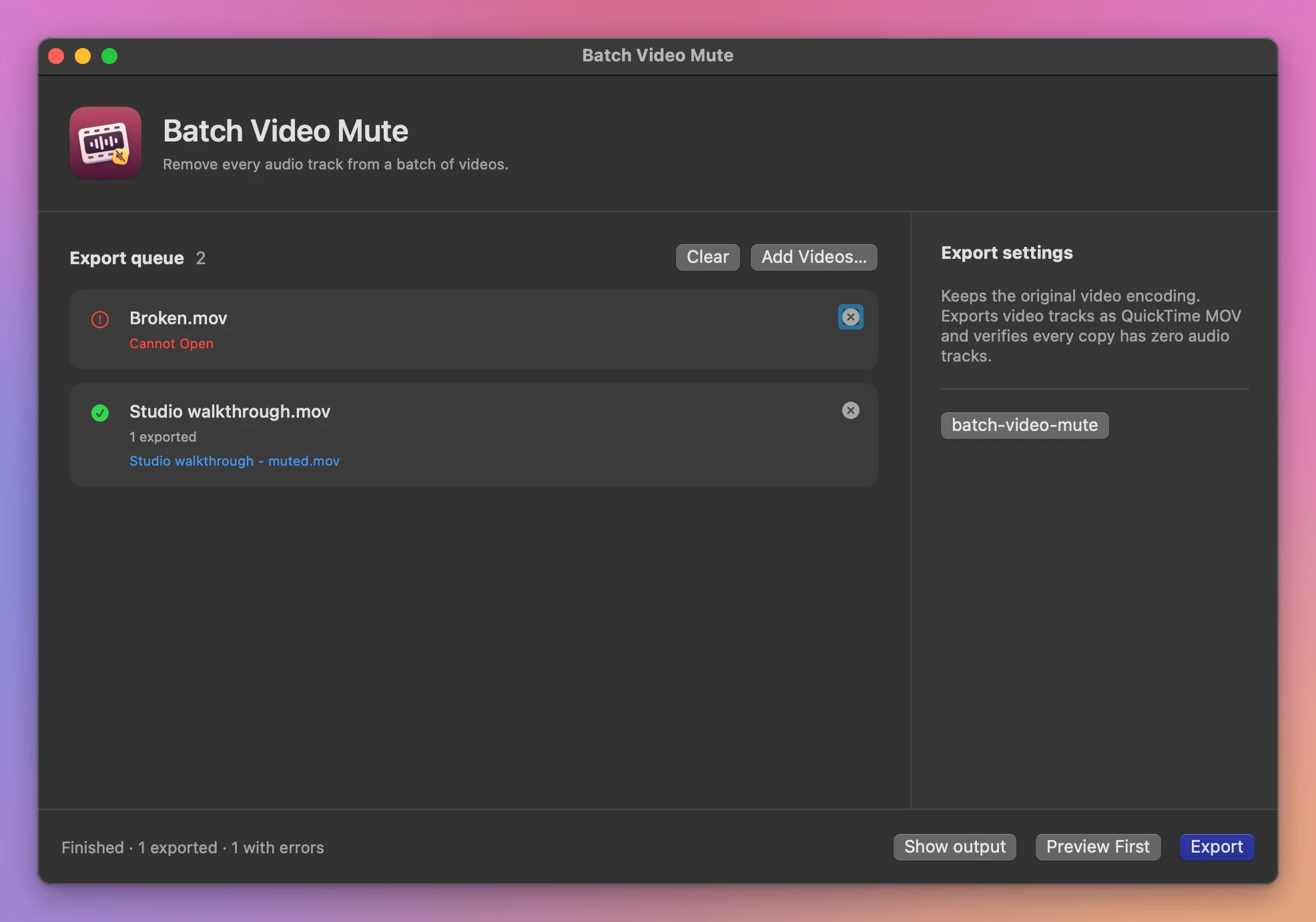
Drag videos onto the window, or add them with Add Videos… (the + button above the queue). Each video in the Export queue shows a frame from the clip and a pill with its audio tracks, or an orange warning when the file can’t be read or is already silent. Click a video to see the tracks its copy keeps and drops, and the name the copy will get. A video with several audio tracks loses all of them in the copy. The app keeps the video encoding and rotation when it can move those tracks into a MOV.
Open the exported MOV to check the picture before sharing it. Select a video and click Preview First to play a temporary silent copy of it before writing the batch.
Save and find the result
Click Choose… next to “Save silent copies to” at the bottom of the queue, then click Export. Each video gets a green Muted or a red Failed pill, and a summary lists every saved copy, with the reason next to any video that failed. Batch Summary brings the summary back after you click a video. Show output opens the folder in Finder. Existing files are kept and repeated output names get a number.
Cancel stops the batch. Copies that finished before cancellation stay in the output folder.
Outputs use QuickTime MOV. The source video codec must support passthrough to MOV. Additional tracks such as captions and timed data stay in the originals.
File processing happens on your Mac. The app uses the internet to check for and download updates.
Batch Video Mute is $20, a one-time purchase.