How to use Video Size Limit
Video Size Limit
Fit a local video to a chosen upload size, verify the new MP4, and resume a saved batch after relaunching.
Bought Video Size Limit? Sign in with the email you bought it with to download the latest version or ask me a question.
On this page
Install
Video Size Limit requires macOS 15 Sequoia or later, on Apple silicon or Intel. Download the ZIP from the order page or your Creem receipt. Unzip it and move the app to Applications.
The app checks for updates once a day. When a new version is ready, click Install and Relaunch. To check anytime, choose Video Size Limit → Check for Updates….
If your copy still asks for a key, download the latest version from your purchase page and replace the old app in Applications.
Prepare the files
Enter a decimal limit of 0.1 to 20,000 MB. Each MB is 1,000,000 bytes. The app starts with macOS encoding presets and tries a lower bitrate when those exceed the limit. It checks the actual file size, video track and duration before saving.
Click Cancel to stop and keep the finished copies. Resume skips items with successful exports. If the saved destination moved or its disk was disconnected, pick an available folder before resuming.
Save and find the result
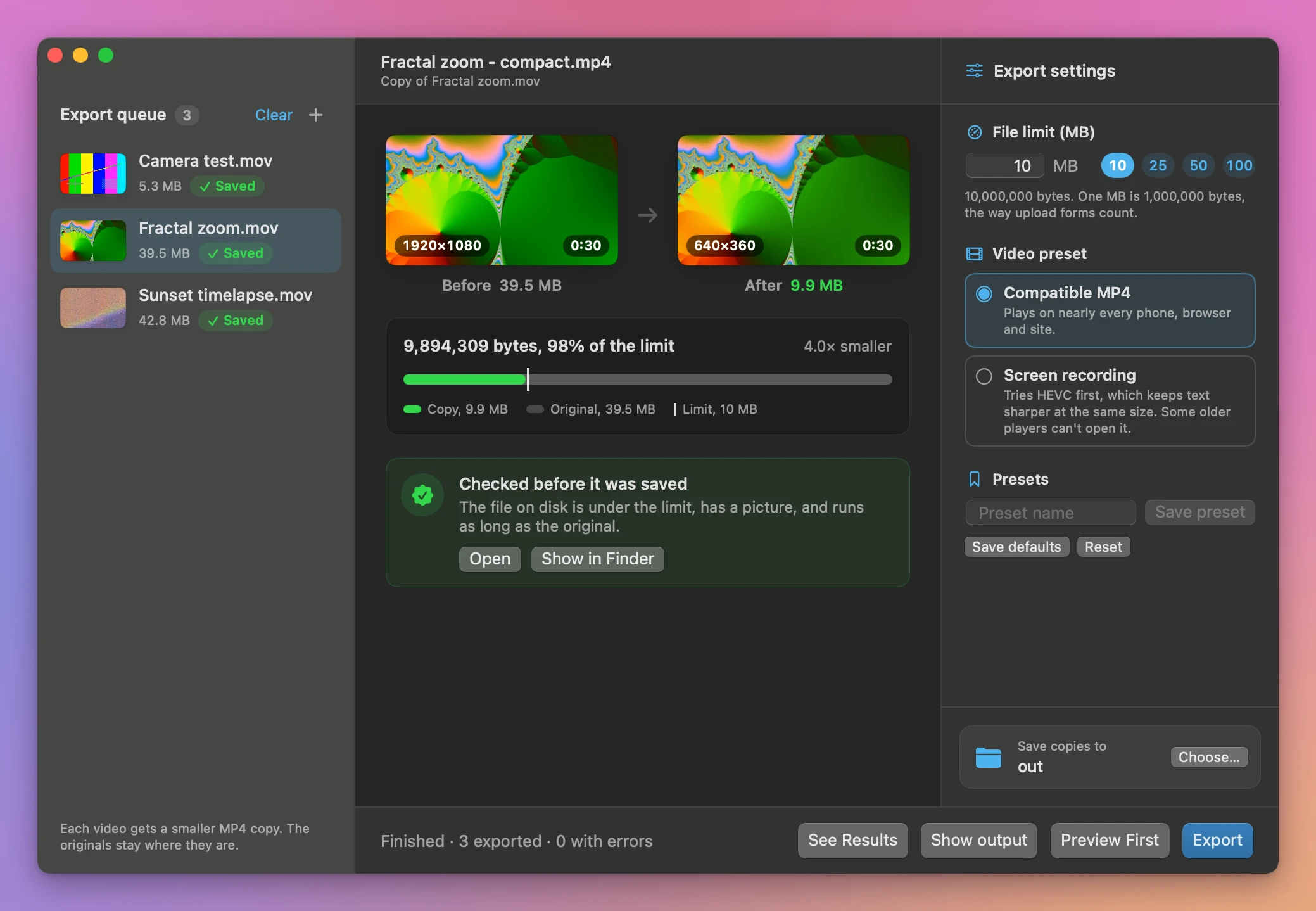
Click Choose… next to Save copies to at the bottom of Export settings, then click Export. Each video in the queue gets a green Saved pill or a red one with the reason, and a results screen lists every copy with its size and how much of the limit it uses. Click a video to compare a frame from the original and the copy. Show output opens the folder in Finder. Existing files are kept and repeated output names get a number.
Cancel stops the batch. Copies that finished before cancellation stay in the output folder.
Very small limits can soften text and fine detail or leave no viable export. The bitrate fallback keeps the first video track and mixes audio down to mono.
File processing happens on your Mac. The app uses the internet to check for and download updates.
Video Size Limit is $20, a one-time purchase.